Sellfy Pricing Looks Simple — Until You Read the Fine Print
Sellfy's pricing page presents three clean tiers: $29, $79, $159. No transaction fees. Unlimited products. It looks straightforward.
But buried in the details is a mechanism that fundamentally changes your costs as you grow: annual revenue caps. These caps determine which plan you're allowed to use — and when you're forced to pay more.
This isn't a theoretical concern. It's the number one reason creators leave Sellfy.
How Revenue Caps Work
Every Sellfy plan has a maximum amount of revenue you're permitted to earn per year:
| Plan | Monthly Price | Annual Price (billed yearly) | Revenue Cap |
|---|---|---|---|
| Starter | $29/mo | $264/yr (save 25%) | $10,000/year |
| Business | $79/mo | $708/yr | $50,000/year |
| Premium | $159/mo | $1,428/yr | $200,000/year |
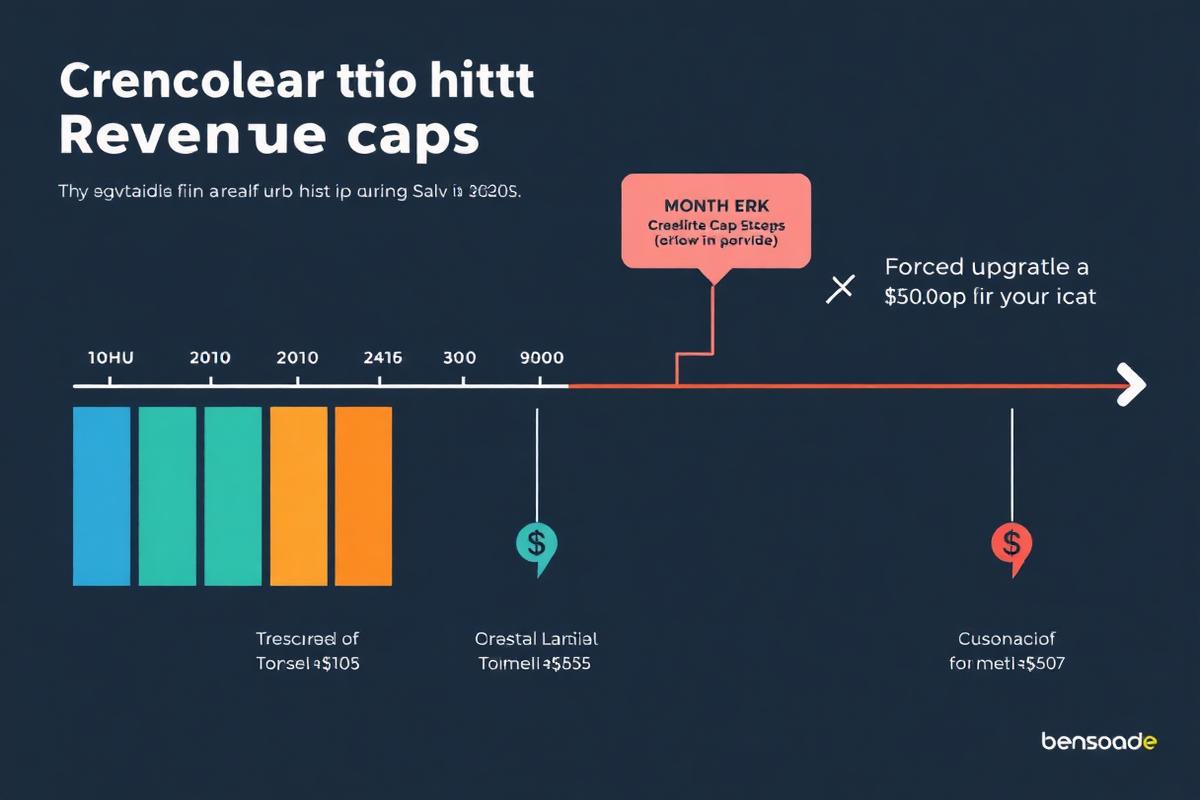
When your total sales in any 12-month window exceed your plan's cap, Sellfy requires you to upgrade. This isn't a suggestion — it's a platform-enforced rule.
The Upgrade Trigger Points
$10,001 in annual sales: You must move from Starter ($29/mo) to Business ($79/mo). Your costs increase by 172% overnight.
$50,001 in annual sales: You must move from Business ($79/mo) to Premium ($159/mo). Another 101% increase.
Over $200,000: You've outgrown Sellfy entirely and need to contact their sales team for custom pricing.
Why Revenue Caps Punish Success
The Launch Month Problem
Imagine you're on Sellfy Starter ($29/mo) and you launch a new digital product. Your launch goes well — you sell $8,000 worth of products in the first two months. Now you have 10 months left in your cap year with only $2,000 of headroom.
Your options:
All three options are bad. A platform should never put you in a position where selling more becomes a financial concern.
The Seasonal Creator Problem
Many digital product creators have seasonal revenue patterns. A creator selling back-to-school templates might earn 60% of their annual revenue in August and September. On Sellfy, two strong months can trigger a cap upgrade that you're stuck paying for during your slow months.
The Bundle and Launch Problem
Running a holiday bundle sale? Launching a course at a premium price point? These concentrated revenue events can push you over a revenue cap in a single week — even if your normal monthly revenue is well within the lower tier's limit.
The Email Credit Cost That Nobody Mentions
Revenue caps get the attention, but Sellfy's email marketing costs are a second hidden scaling fee.
Sellfy allocates email credits per plan:
| Plan | Monthly Email Credits | Cost Per Additional 10,000 Credits |
|---|---|---|
| Starter | 10,000 | Extra cost varies |
| Business | 50,000 | Extra cost varies |
| Premium | 200,000 | Extra cost varies |
For a creator with 3,000 email subscribers sending weekly newsletters plus occasional product launch campaigns, here's the monthly send volume:
On Sellfy Starter, you have 10,000 credits. You're 11,000 credits over — meaning you need to purchase extra credits or skip campaigns.
On Creastor, this entire volume is included for free on every plan. There are no email credits. Send as much as your business requires.
The Real Annual Cost of Growing on Sellfy
Let's trace a creator's journey from $0 to $60,000/year in revenue and calculate total Sellfy costs at each stage:
| Growth Stage | Annual Revenue | Sellfy Plan Required | Annual Cost | Creastor Pro Annual Cost |
|---|---|---|---|---|
| Getting started | $3,000 | Starter ($29/mo) | $348 | $468 |
| Gaining traction | $8,000 | Starter ($29/mo) | $348 | $468 |
| First threshold | $12,000 | Business ($79/mo)* | $948 | $468 |
| Growing steadily | $30,000 | Business ($79/mo) | $948 | $468 |
| Scaling up | $55,000 | Premium ($159/mo)* | $1,908 | $468 |
*Forced upgrade due to cap
Over this growth trajectory, a creator on Sellfy pays a cumulative $4,500 in platform fees. On Creastor Pro, the same trajectory costs $2,340. That's $2,160 in savings — money that could fund advertising, content creation, or simply stay in your pocket.
When Sellfy Pricing Actually Makes Sense
Sellfy's pricing structure works if:
For this specific creator profile, Sellfy's $29/month is reasonable. The problem is that most creators who choose Sellfy plan to grow — and Sellfy's pricing is designed to extract more money exactly when growth happens.
The Alternative: Flat Pricing Without Caps
The fundamental philosophical difference between Sellfy and cap-free platforms is this: Should your platform cost more when you succeed?
Creastor says no. $19/month gets you 0% transaction fees, unlimited revenue, and unlimited email sends — whether you earn $1,000 or $100,000 in a year.
The math is transparent. The pricing is predictable. You can forecast your platform costs 12 months out without worrying about which cap you might hit.
Start on Creastor free — grow without caps →