How to Migrate from Payhip to Creastor: Complete Step-by-Step Guide (2026)
Switching platforms sounds painful. It's not. Here's exactly how to move your products, customers, and links from Payhip to Creastor — most creators finish in a single sitting.
8 min read
Why Creators Switch From Payhip
The most common reasons creators migrate from Payhip to Creastor:
Fee savings — Payhip's 5% fee exceeds $19/month at $380+ in monthly revenue
Bio link storefront — Social media traffic converts better on a purpose-built bio link page
Built-in email marketing — Eliminating the cost and complexity of a third-party email tool
SEO optimization — Product pages that can rank on Google for buyer-intent searches
Better pricing tiers — A gradual upgrade path instead of the $0 to $99/month cliff
Whatever your reason, the migration itself is simple. Here's exactly how to do it.
Before You Start: What to Prepare
Gather these items before beginning:
Your product files — The actual digital downloads (PDFs, ZIPs, videos, etc.) stored on your computer
Product descriptions — Copy your titles, descriptions, and pricing from Payhip (or improve them)
Cover images — The product images from your Payhip listings
Customer email list — Export from Payhip's dashboard
The signup takes under 2 minutes. Choose a username that matches your brand — this becomes your store URL (creastor.com/yourname) and bio link.
Set up your profile:
Upload your avatar and cover image
Write your bio (keep it focused on what you sell and who you serve)
Add your social media links
Choose a storefront template that matches your brand aesthetic
Step 2: Export Your Customer Data from Payhip
In your Payhip dashboard:
Navigate to Customers or Sales
Export your customer list as CSV
Save this file — you'll import it into Creastor's subscriber management
This ensures you don't lose your existing customer relationships. Every email address represents a potential repeat buyer.
Step 3: Recreate Your Products on Creastor
For each product on Payhip:
Click "Add Product" in your Creastor dashboard
Select the product type (Digital Download, Course, Membership, etc.)
Upload your product file
Write your product title — include your main keyword for SEO (e.g., "Notion Budget Template for Freelancers" instead of just "Budget Template")
Write a detailed description focused on outcomes and benefits, not just features
Set your price (consider raising it — many Payhip creators underprice)
Upload your cover image
Publish
Pro tip: This is a perfect opportunity to refresh your product descriptions, update your pricing, and improve your cover images. Don't just copy-paste from Payhip — treat this as a product refresh.
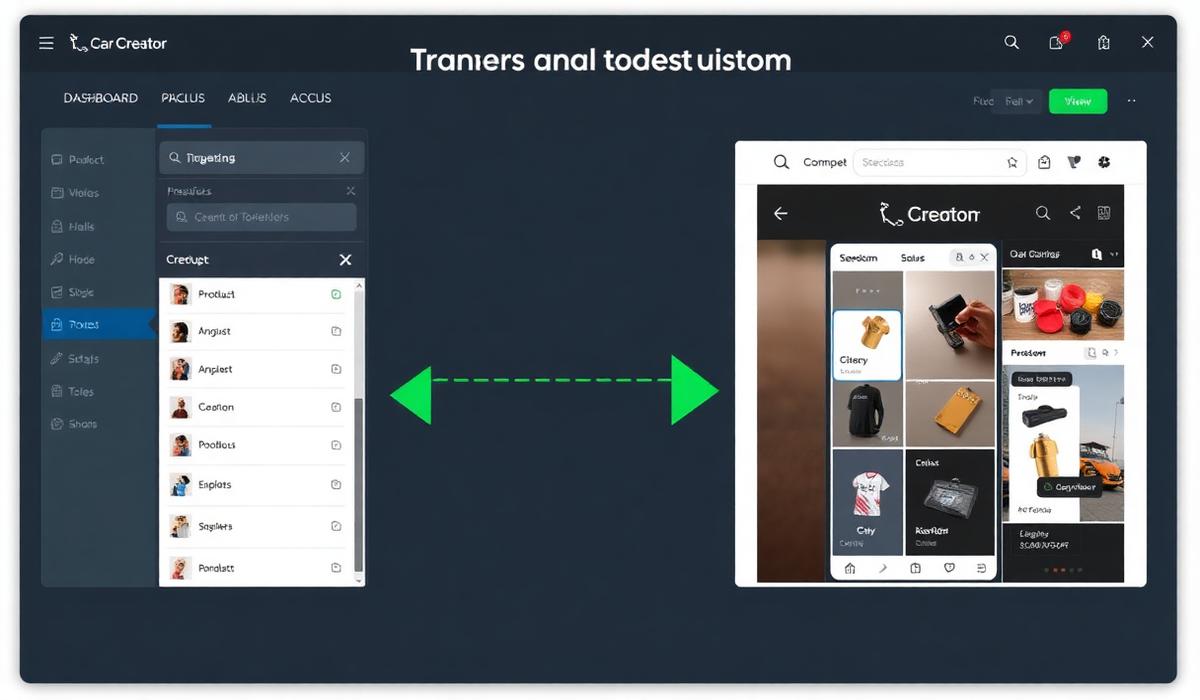
Creator dashboard showing product upload and storefront customization process during Payhip to Creastor migration
Step 4: Import Your Email List
In your Creastor dashboard:
Navigate to Subscribers
Import your Payhip customer CSV
Set up a welcome sequence for imported subscribers — a simple 2-email flow:
- Email 1 (Day 0): "We've moved! Here's your new store link and a special thank-you discount"
Email 2 (Day 3): Tips for getting maximum value from the product
Email 3 (Day 7): Request for feedback or review
Email 4 (Day 14): Related product recommendation
New subscriber sequence:
Email 1 (immediate): Welcome + free resource or discount code
Email 2 (Day 2): Your best content or most helpful tip
Email 3 (Day 5): Product showcase with special offer
This is the infrastructure you couldn't build on Payhip without a separate email tool.
Step 6: Update Your Links Everywhere
The final step — and the most important:
Instagram bio → Update to your Creastor store URL
TikTok bio → Same
YouTube channel about/description → Same
Twitter/X bio → Same
Email signature → Same
Any pinned posts or stories with old Payhip links → Update or repost
Don't forget: Check any blog posts, podcast show notes, or other content where you've linked to your Payhip products. Update those links to point to Creastor.
Step 7: Run Both Platforms in Parallel (Optional)
If you're cautious, keep your Payhip store active for 1–2 weeks after launching Creastor. This ensures:
Any bookmarked product links still work
Existing customers aren't confused by sudden changes
You can compare performance before fully committing
After a week, most creators are confident enough to make Creastor their sole storefront.
Common Migration Concerns
"Will my existing customers lose access?"
No. Products purchased on Payhip remain accessible through Payhip. Your migration only affects future sales.
"What about recurring memberships?"
For active memberships, communicate the change to your members in advance. Set up the membership on Creastor, offer existing members a seamless transfer with a discount code, and give them a clear deadline for switching.
"Will my search rankings be affected?"
If your Payhip product pages ranked on Google (unlikely given Payhip's limited SEO), set up 301 redirects or simply let Creastor's superior SEO infrastructure build new rankings. In most cases, Creastor's SEO-optimized pages will rank better than Payhip's ever did.
What Happens After Migration
Within the first month on Creastor, most creators experience:
Lower fees — immediate savings from 0% transaction fees on paid plans
Higher conversions — the bio link storefront converts social traffic more effectively
Email revenue — automated sequences generate sales you weren't capturing on Payhip
Organic traffic — SEO-optimized product pages begin appearing in search results within 2–4 weeks
The migration effort is a one-time investment. The returns are ongoing.
Most creators complete the full migration in 20–30 minutes. The process involves creating an account on your new platform, uploading your product files, customizing your storefront, and updating your social media bio links. No technical skills or developer help needed.
Will I lose my customers if I switch from Payhip?
No. Export your customer email list from Payhip before switching and import it into your new platform's subscriber management. Your existing customers keep access to previously purchased products on Payhip, and all future sales go through your new store.
Can I run Payhip and another platform at the same time during migration?
Yes. Many creators run both platforms in parallel for a week or two during the transition. Keep your Payhip store active for existing product links while building your new store. Once everything is set up, update your links and let Payhip wind down naturally.
#migrate from payhip#switch from payhip#payhip to creastor#platform migration#digital product store#creator tools